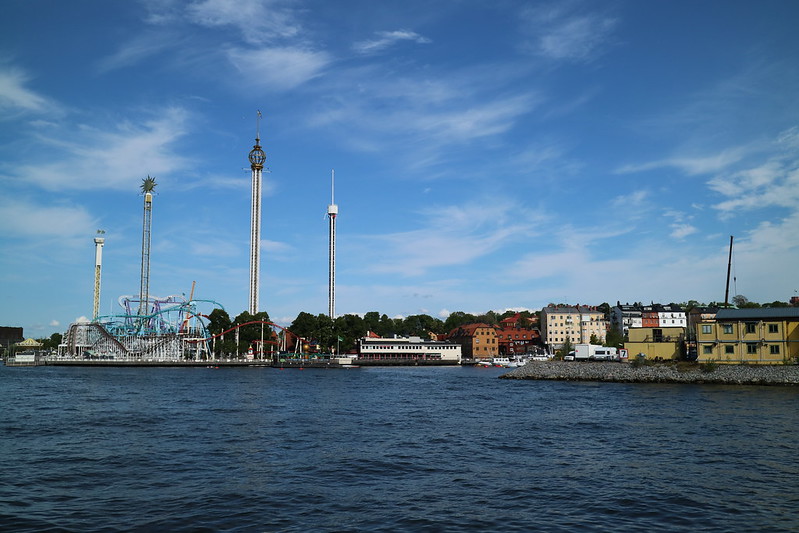
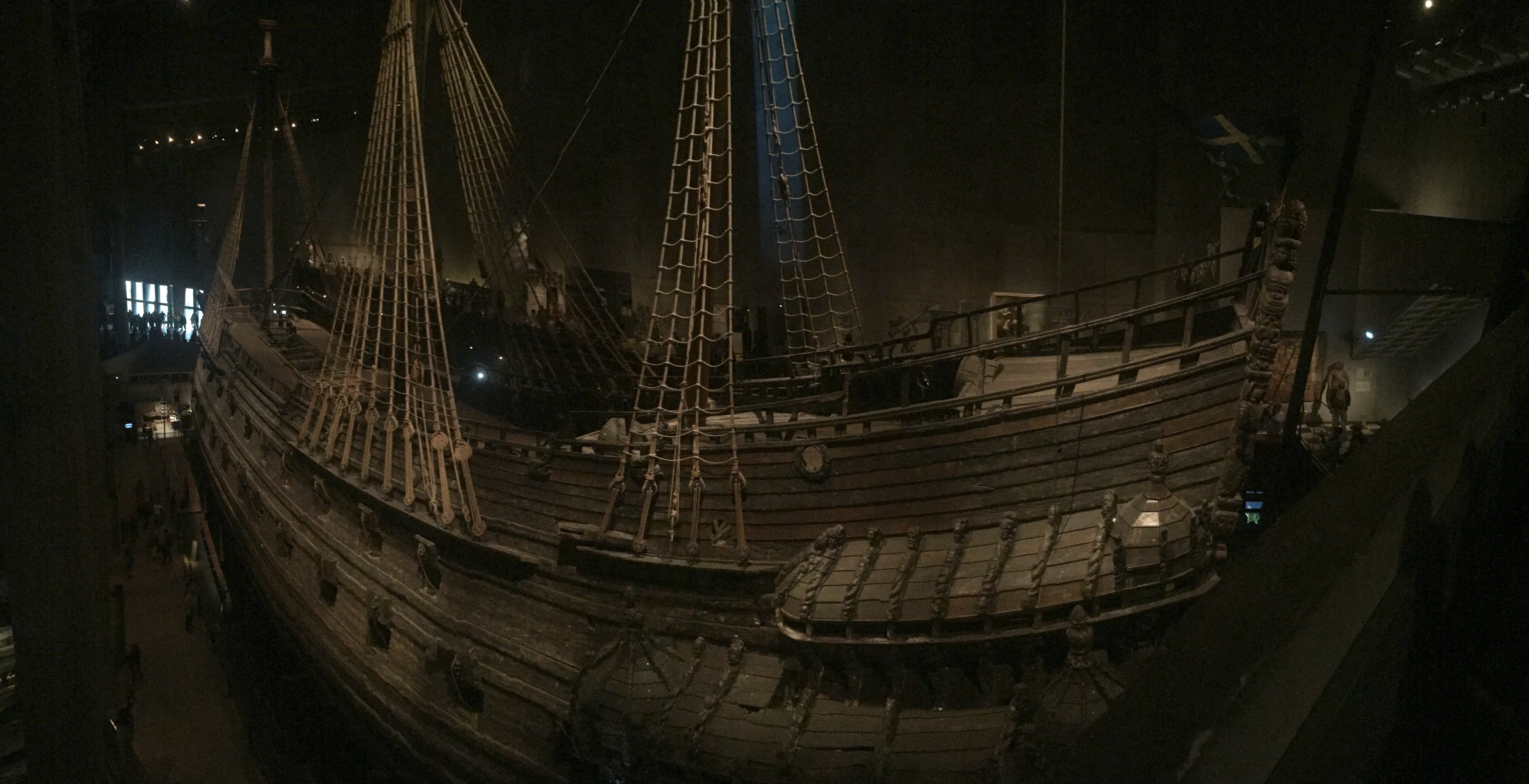
No photos.

It may surprise you, but sometimes we are not actually taking photos. For example, during the unexpected thunderstorm while we in the Praga district of Warsaw. There are no photos of wet cyclists seeking refuge under a tram stop shelter. Nor are there any photos of me trying to use the ticket vending machine for the tram (one of which was broken) – and why is it that the ticket vending machines are not under cover!?!

The good news is that we riding with Bromptons. We merely folded the bikes and boarded the number 74 tram instead.

You’ll have to make do with this photo from the Neon Museum.

Warsaw Day 5

Things I have learnt…

1. That the enigma code was broken by Polish mathematicians in Poznan – they passed their information to the English at the beginning of World War II. Here is a picture of where these mathematicians worked.

Poznan

2. Sometimes the best coffee are in the least expected spots. For example, the best coffee we found in Berlin was in the bottom of a communist showcase building on Karl Marx avenue. Yum!

Berlin

3. Free High Speed Internet does not mean that it’ll work. For some reason Helen could upload her photos from her iPad, but I couldn’t. Weird hey? So anyway here is a photo you would have otherwise missed thanks to the very high speed internet here in Warsaw. 

Berlin Day 3

4. Pavlova probably originated in Germany! Poland seems to enjoy Pavlova and Pavlova derivatives much more than Aussies. 

Dinner - Warsaw

5. You’ve got to be careful on Warsaw’s big roads – best to stick to the footpat !!! The small roads are o.k.

6. A lot of people will assemble to watch two prentend goats butt heads at 12 noon?

There here too look at artificial goats butt heads - Poznan

See Japan the way we see it…

Yes, we have made a video! It goes for around 10 minutes. It is surprising how many things we did in Japan for which we have no photos, so really the title should be See Japan mostly the way we see it!!

For our Japanese speaking friends, we apologise if somehow the music we’ve used in this video is inappropriate – it sounded good to me, but unfortunately I don’t understand what they are signing!

For those technically minded, I have to admit that making these videos have been a struggle since Apple deprecated Aperture – a fast and effective photo management systems. For my mind Adobe’s Lightroom is a bit more like a slug and its slideshow capability is so very disappointing.

Sometimes turning things inside-out-upside-down is the only way to fix things. I was having no success make a slideshow at the speed I need with any tool include a big range of Time-lapse assembly tools. But I have turned things inside-out-upside-down and taken an entirely different (and now somewhat obvious approach). Let me share with you the steps that allowed me to create this slideshow with the free software that is installed on every new Mac!

Step 1) Download all photos into the Mac Photos app. This involved photos from my EOS M and Helen’s SX270HS and our two iPhones (6 and 6s)

Step 2) Examine photos and work out that the camera times/dates are not calibrated, use the batch update to ensure that all photos are on the same timeline.

Step 3) Bring all the candidate photos into a single Album or Smart Album

Step 4) Grrr. Apple – in Aperture you could exclude all Portrait photos by a simple rule – this isn’t available in Photos – so apply a tag to those photos using keyboard shortcuts (mostly portrait) you want exclude. You can also use the tag to exclude other photos that don’t belong.

Step 5) Create a Smart Album that then excludes the tagged photos from the candidate photos.

Step 6) Select all of these photos in the Smart Album and create a New Slideshow Project. Photos seems to have difficulty working with slideshows that are faster than 0.5 seconds per slide. Make sure you have no transitions. From here you can run through the slideshow and do that final sanity check – don’t leave in too many long boring sequences.

Step 7) Once you are happy, export it as a video. I export at 1080HD (although the Vimeo embed you have watched is much lower quality – trust me the slideshow looks awesome on my flat panel tv).

Step 8) Load up iMovie. Add your exported video to the iMovie clip library, drag this clip onto your project and right click on the clip and hhow the Speed Editor. From here you can choose precisely how long you want the clip to be – in this case I took a 34 minute clip and said I wanted to play it for 10 minutes. What is amazing is how fast this approach is.

Step 9) Use iTunes to find tracks that you like and drag them onto iMovies.

Step 10) Get fancy and choose a still that you like add a title at the beginning

Step 11) Share it as a file or directly to Vimeo.

Step 12) Write a witty blog post :)

Easy, trust me.

Sometimes deviations reward

In Kanazawa we heard about the Tonami Tulip Festival. We thought it would be a good day trip. We did our research and had a look at good old Google Maps, it said that Tonami was about 30kms away from Kanazawa. We could take a Shinkansen, local trains, or we could ride our bikes.

I thought no worries. It would be be about 1hr 30 minutes on the bike at our normal speed.

With that research we proceeded to put the details into the Garmin. I didn’t pay too much attention. What Mr Google didn’t tell me was that Mr Garmin would chose a different route. This route was closer to 54km (taking the back roads I think) and it included mountain along the way.

Thankfully it was a small mountain with a temple on top. Aweseome views and great, cheap, food.

What you may have worked out, it talk longer than 1.5 hours, it took as more than 4hrs! The flowers were worth it.


Sometimes optimism bias leads you to do things that you may not otherwise have thought as wise, and perhaps giving you rewards that you never expected.

You’d be pleased to know that we took the Shinkansen back to Kanazawa.